eSIM
Does an eSIM Change Your Phone Number?
How eSIMs work with your existing number, and how to keep it for calls and texts while you travel.
No. Installing a travel eSIM does not change your phone number. Your number belongs to your main SIM, which stays active alongside the eSIM, so you can still receive calls and texts. A data-only travel eSIM adds only mobile data, and WhatsApp and iMessage keep using your existing number.


Does Installing an eSIM Change Your Number?
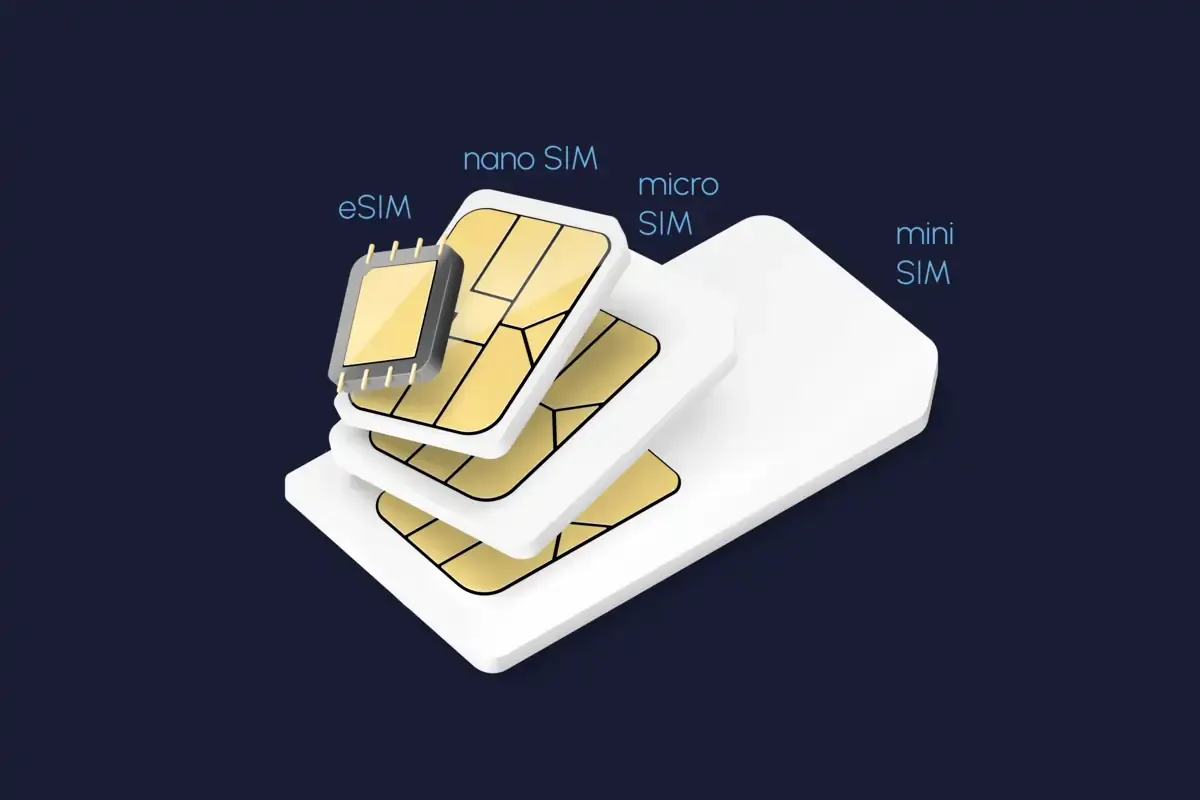
The short answer: No. Adding an eSIM doesn’t overwrite your existing number. When you install an eSIM, you are essentially adding a new cellular profile to your device. Your primary phone number is tied to your mobile service provider and your existing SIM (whether physical or another eSIM), not directly to the act of installing a new eSIM profile.
👉 Curious about the basics? Read our full guide: What is an eSIM?
The Power of Dual SIM Functionality with eSIMs
Modern phones (including recent iPhones and most recent Androids) allow two active plans at once:
- Keep your main number → still receive calls and SMS on your home line.
- Use a Nomad travel eSIM for data → avoid costly roaming fees abroad.
- Separate work & personal lines → manage two numbers on one device.
- Full control in settings → choose which line handles calls, texts, or data.
How to Use a Travel eSIM for Data While Keeping Your Primary Number
With Dual SIM functionality, you can use your Nomad eSIM for mobile data while keeping your primary SIM active for calls and texts.
For iPhone:
- Go to Settings > Cellular (or Mobile Data).
- Under Cellular Data, select your Nomad eSIM.
- Under Default Voice Line, select your primary SIM.
- Turn off Allow Cellular Data Switching to prevent your phone from switching back to your primary SIM for data.
For Android:
- Go to Settings > Connections > SIM Manager (menu names may vary by device).
- Set your Nomad eSIM as the preferred SIM for Mobile Data.
- Set your primary SIM as the preferred SIM for Calls and SMS.
Your primary number remains available for calls and texts, subject to carrier support and roaming charges, while your Nomad eSIM handles mobile data.
👉 For setup help, check: How to install eSIM on iPhone or How to install eSIM on Android.
eSIM and Messaging Apps (iMessage, WhatsApp, and FaceTime)
Many users worry about how installing an eSIM might “switch numbers” and affect their favorite messaging and communication apps. Here’s how it works:
- iMessage & FaceTime: Linked to your Apple ID and your chosen primary number. As long as your home SIM is active, your number won’t change.
- WhatsApp: Tied to the number you registered with. Installing an eSIM for data doesn’t affect your WhatsApp account. You’ll continue messaging as normal. For more detailed information, refer to our guide: Will Travel eSIM Change WhatsApp Number?.
Bonus: Troubleshooting Active eSIMs
If you encounter any issues that prevent you from using your messaging apps, a quick check of these settings or a device restart usually resolves them.
For step-by-step solutions, see our guides on resetting eSIM on iPhone, troubleshooting slow eSIM connections, and what to do if your eSIM isn’t working while traveling.
Nomad eSIM: Your Partner for Uninterrupted Connectivity
Installing an eSIM doesn’t mean giving up your number. It means freedom: keep your home number active for calls and texts, while using a Nomad eSIM for fast, affordable data anywhere in the world.
Most Nomad eSIM plans are data-only and have no phone number. The exceptions are the Thailand, UK and Maldives plans, which include plans with calls and texts. Check the plan details before you buy.
Frequently Asked Questions (FAQs) about eSIMs and phone numbers:
Do you get a new phone number with an eSIM?
Not with a travel data eSIM. Data-only eSIMs, which most travel eSIMs are, give you internet but no new number. Your existing number stays on your main SIM. You only get a new number if you buy an eSIM plan that includes one, such as a local carrier eSIM or a calling plan
Can I keep my phone number when I use an eSIM?
Yes. Leave your main SIM or eSIM switched on and set the travel eSIM as your line for mobile data. Your number keeps receiving calls and texts, including bank verification codes. To avoid roaming charges on your home line, turn off data roaming for it while you travel.
Does an eSIM have a phone number?
It depends on the plan. An eSIM from your home carrier carries your number, just like a physical SIM. Most travel eSIMs, including most Nomad eSIM plans, are data-only and have no number. Only Nomad eSIM's Thailand, UK and Maldives plans offer calls and texts; check the plan details before you buy.
Will WhatsApp and iMessage still use my number?
Yes. WhatsApp is tied to the number you registered, not to the SIM that supplies data, so it keeps your number on a travel eSIM. iMessage and FaceTime keep your number and Apple ID too. Do not change the number in WhatsApp's settings, and keep your main line on for verification texts.
Will I be charged for calls to my main number abroad?
Possibly. Calls and texts that reach your main number while you are abroad can carry roaming charges from your home carrier, depending on your plan. Check your carrier's roaming rates, or switch off the main line's roaming and use WhatsApp or FaceTime over your travel eSIM's data instead.
Do I need to remove my physical SIM to use an eSIM?
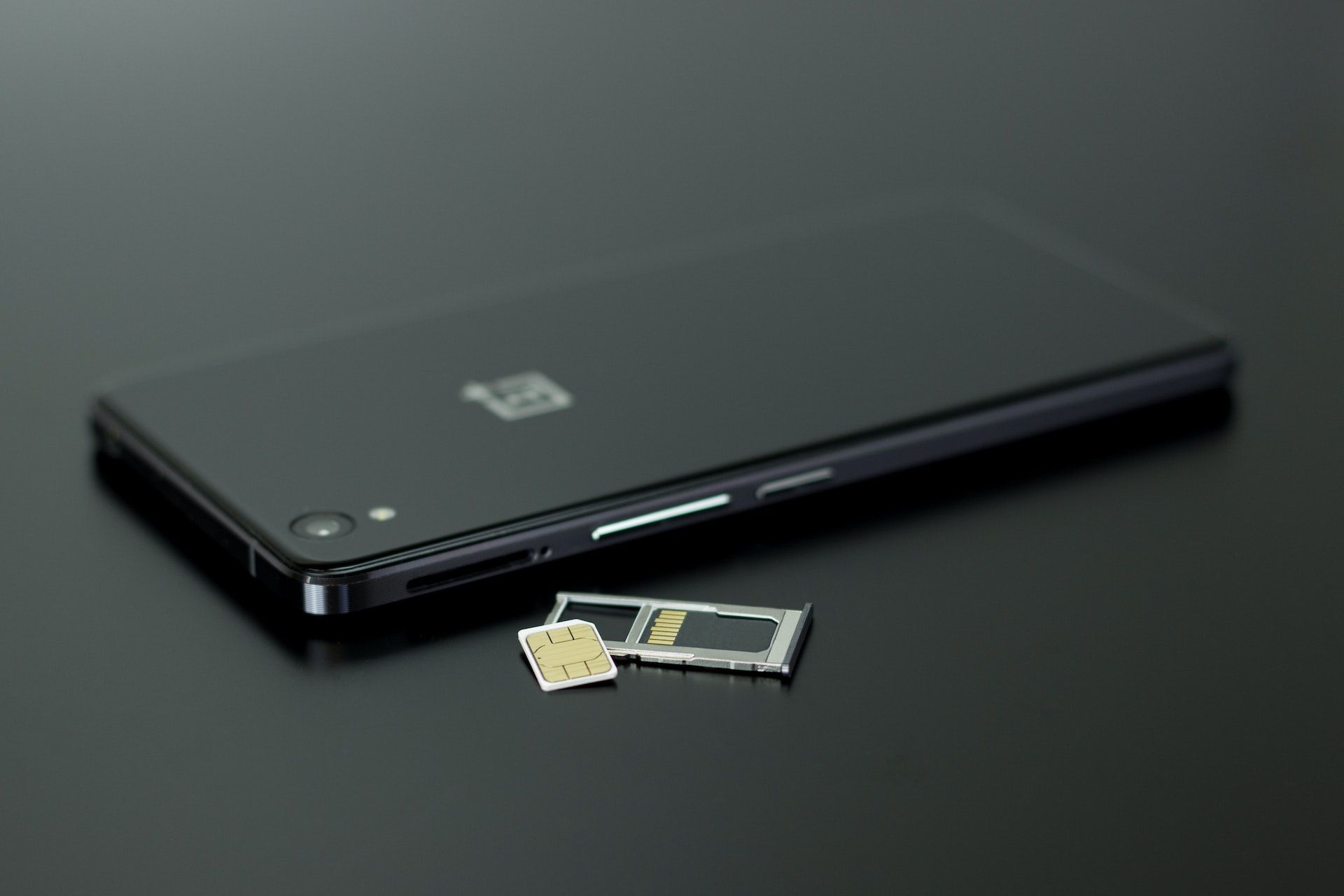
No. Phones with dual SIM support can run a physical SIM and an eSIM at the same time, so leave your SIM card in. Choose which line handles mobile data, calls and texts in your phone's settings. If your phone has no dual SIM support, check our device list before buying a travel eSIM.