


像當地人一樣與Nomad一起旅行




獲取Nomad eSIM進行冒險,並在探索時保持聯繫。從一系列負擔得起的預付費數據計劃(1GB至50GB)和一日計劃(1天到7天)中進行選擇,具有最適合您需求的高速數據連接。從昂貴的漫遊費中節省錢包。
Nomad的負擔得起的eSIM計劃,高速數據連接和24/7客戶支持可確保為您提供令人愉悅且無憂的旅行體驗。
體驗4G/5G速度
出色的網絡覆蓋範圍
沒有昂貴的漫遊費用
輕鬆安裝幾秒鐘
節省時間,更加安心
不需要口袋Wi-Fi
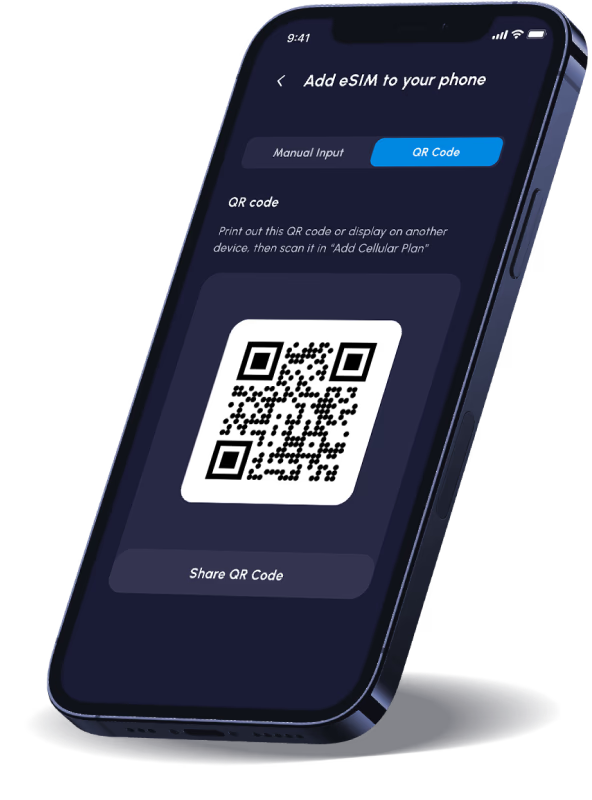
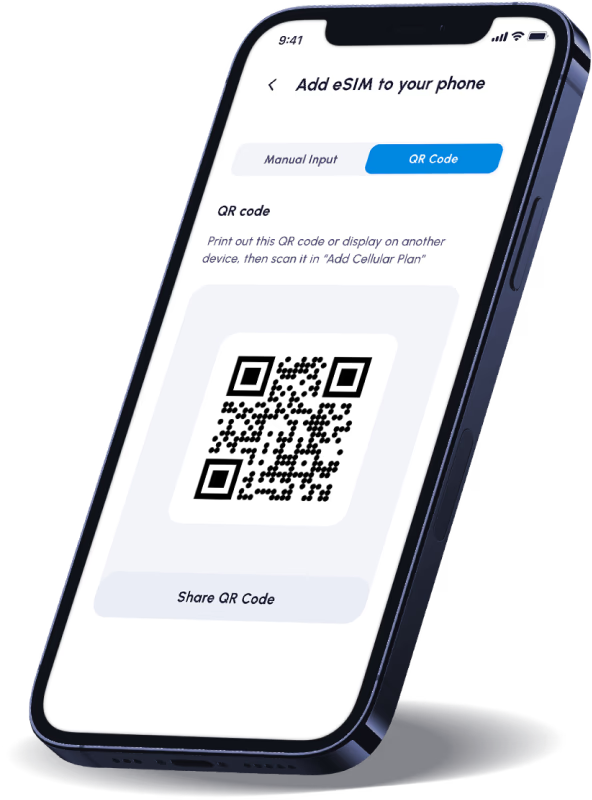
安裝您的eSIM的推薦方法是通過我們通過應用程序內指令和電子郵件提供的QR碼。
一個。在iOS上:轉到設置> Cellular(或移動數據)>添加蜂窩計劃(或添加數據計劃),然後掃描QR代碼
b。在Android(Google Pixel)上:轉到設置>網絡和Internet>SIMS>添加更多>下載SIM卡,然後掃描QR代碼
c。在Android(三星)上:轉到設置>連接> SIM卡管理器>添加移動計劃>掃描QR代碼
有關更多信息,請參閱這篇部落格文章。
請記住要打開“數據漫遊”以開始使用您的數據!
當數據運行較低或計劃即將到期時,您將收到通知。
我們的大多數計劃都有可用的附加組件。如果您的數據用完了,只需從我們的商店購買一個附加計劃即可充值您的數據量。附加數據將與主eSIM相關。
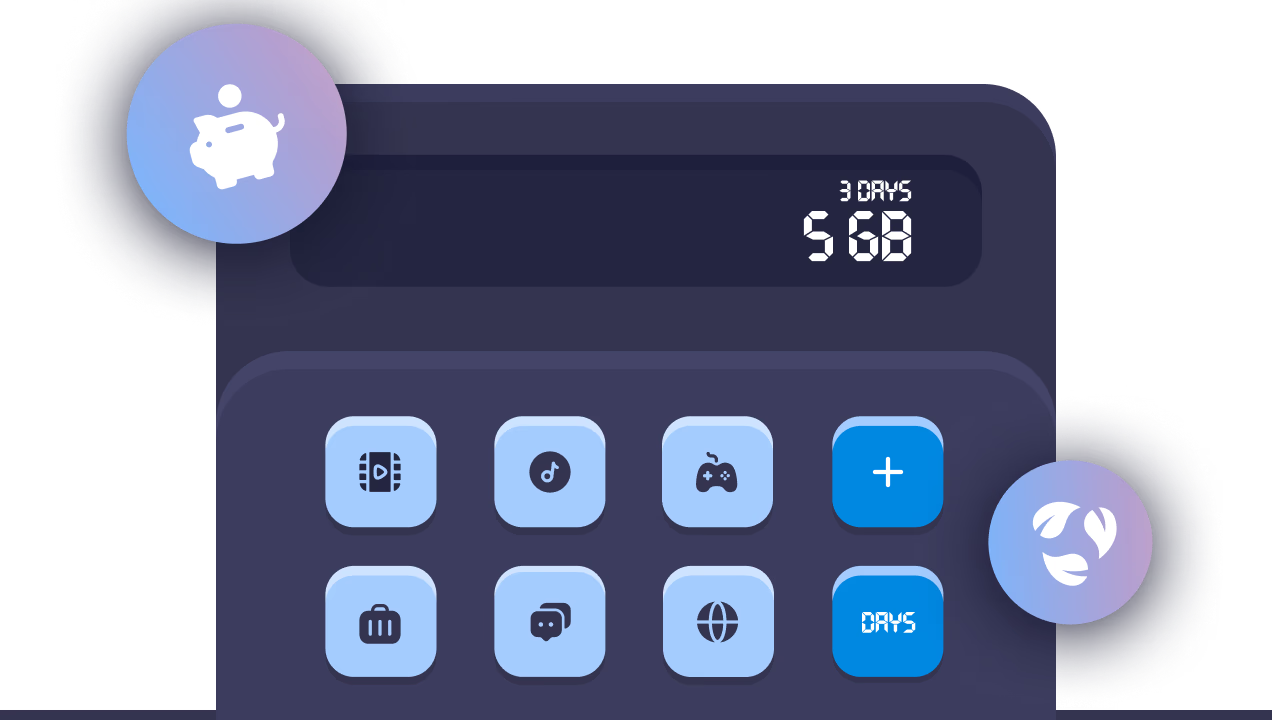
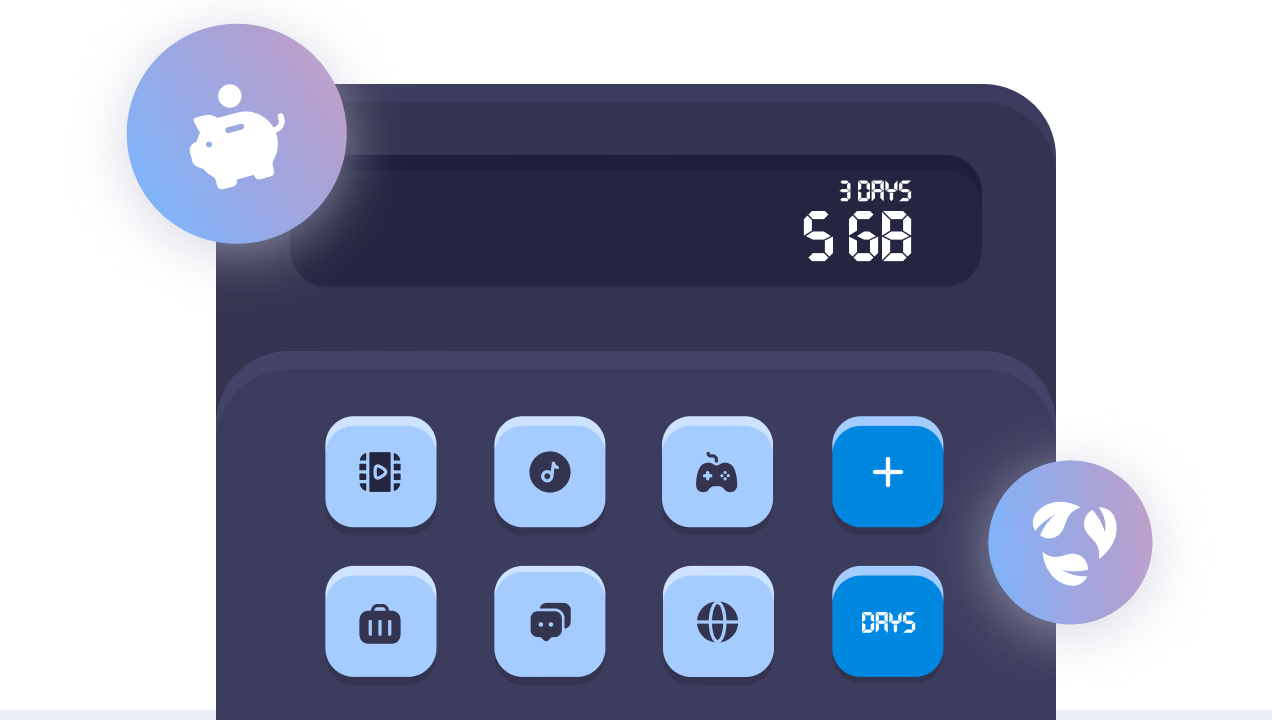
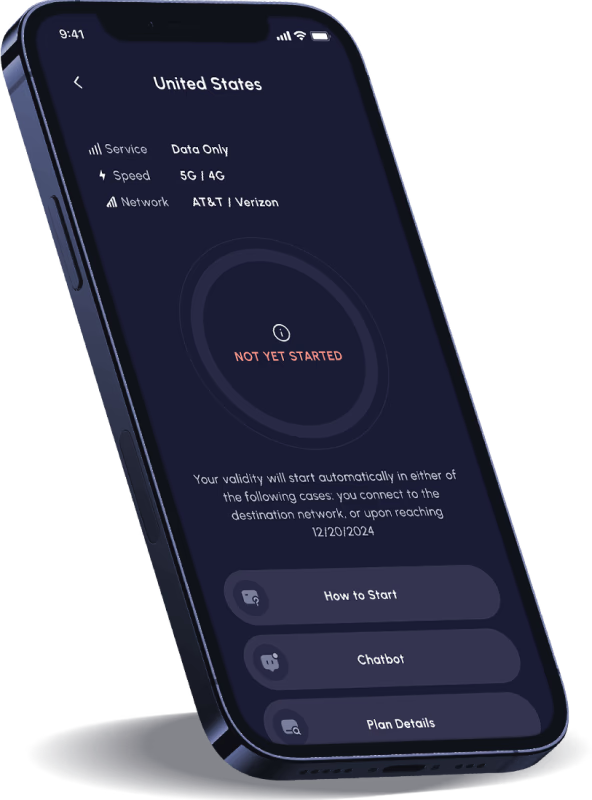
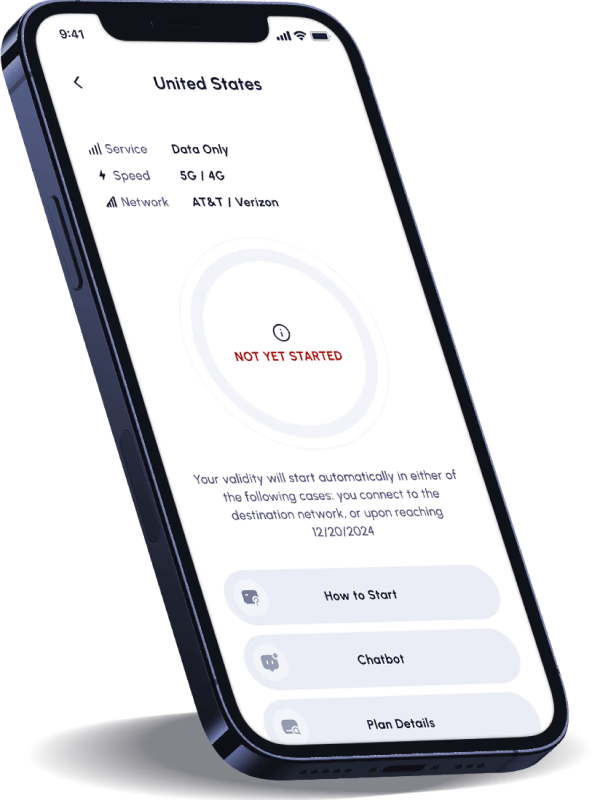
您可以立即購買和安裝eSIM,但只有在需要時才激活。只需確保在購買日期的30天內激活您的計劃即可。之後,它將自動激活並開始計算有效期限。
掃描為安裝您的eSIM提供的QR碼。您將需要Internet連接來安裝您的eSIM。現在將eSIM添加到您的手機中。
一旦連接到目標網絡,您的計劃將自動開始(如步驟3中所述)。
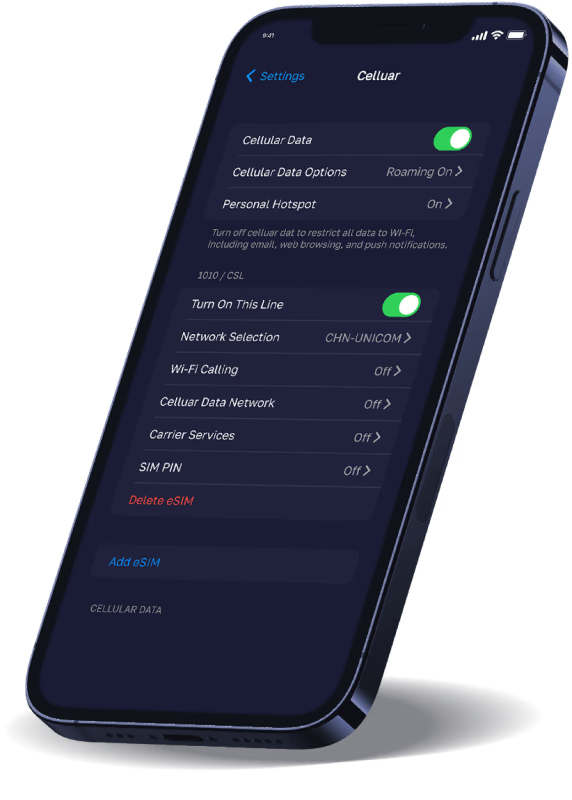
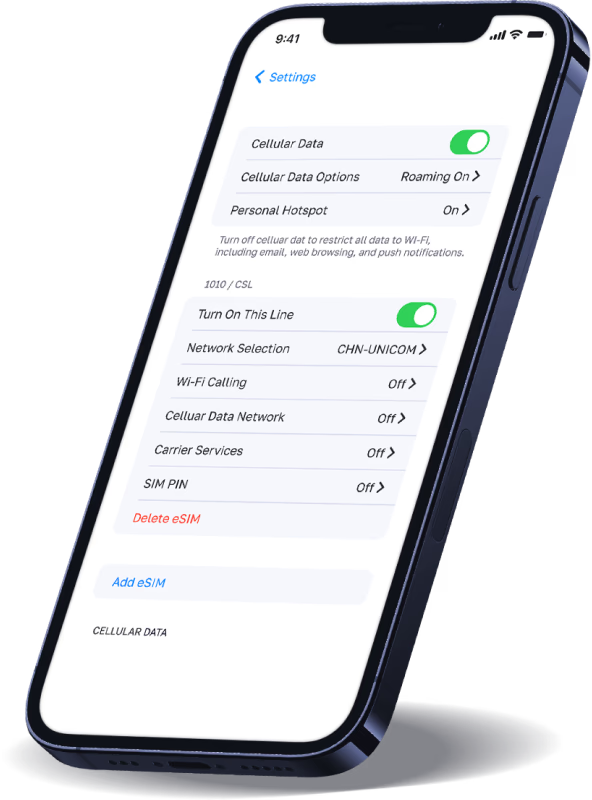
步驟1。 轉到設置>蜂窩,然後打開此行。
步驟2。 確保“數據漫遊”已打開,您正在選擇“蜂窩數據”的Nomad eSIM。




了解為什麼客戶在 Trustpilot 上給我們評分 5 顆星!


