Device Compatibility, eSIM
eSIM Google Pixel : Compatibilité, activation et configuration
Les téléphones Google Pixel prennent en charge l'eSIM depuis le Pixel 3, et la compatibilité est totale et sans restriction depuis le Pixel 4. Voici la liste des modèles compatibles, la mise à niveau vers la double eSIM à partir du Pixel 7 et la procédure
TL;DRLes téléphones Google Pixel sont compatibles avec l'eSIM depuis le Pixel 3 (2018), y compris le Pixel 11. Tous les Pixel, du Pixel 4 aux modèles suivants, prennent en charge l'eSIM sans restriction géographique. Les Pixel 7 et versions ultérieures prennent en charge la double eSIM active (deux lignes simultanées, sans carte SIM physique). Les Pixel 3 et 3a présentent des exceptions selon les régions et les opérateurs. Le Pixel 2 est compatible eSIM uniquement avec Google Fi aux États-Unis. Votre appareil doit être déverrouillé pour activer une eSIM de voyage comme Nomad.

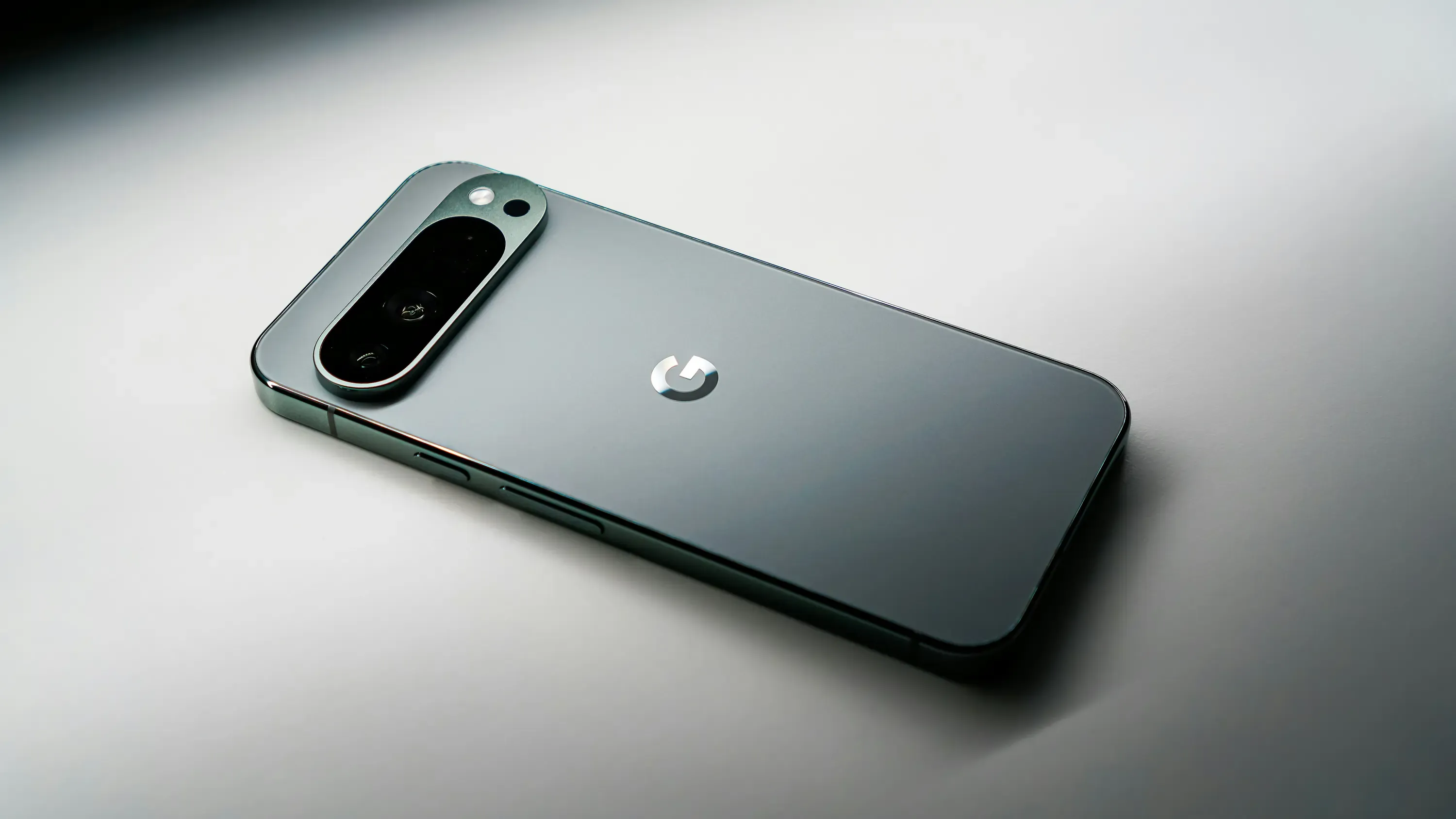
Téléphones compatibles eSIM Google Pixel : Liste complète des modèles
- Série Pixel 11Pixel 11 / 11 Pro / 11 Pro XL / 11 Pro Fold
- Série Pixel 10Pixel 10 / 10 Pro / 10 Pro XL / 10 Pro Fold
- Série Pixel 9Pixel 9, 9 Pro, 9 Pro XL, 9a, 9 Pro Fold
- Série Pixel 8Pixel 8, 8 Pro, 8a
- Série Pixel 7Pixel 7, 7 Pro, 7a
- Série Pixel 6Pixel 6, 6 Pro, 6a
- Série Pixel 5Pixel 5, 5a (5G)
- Série Pixel 4Pixel 4, 4 XL, 4a, 4a (5G)
- Pliables: Pixel Fold
Modèles plus anciens avec limitations :
- Pixel 3 et 3 XLSeuls les modèles de Google ou Verizon sont concernés. (À l'exception des versions australiennes, japonaises et taïwanaises).
- Pixel 3a et 3a XLFonctionne sur la plupart des modèles internationaux (à l'exception des versions Japon, Asie du Sud-Est et Verizon).
- Pixel 2 et 2 XL: Uniquement les appareils achetés via Google Fi
À partir du Pixel 4, l'eSIM fonctionne dans toutes les régions sans restriction d'opérateur, faisant du Pixel 4+ la solution de base idéale pour une utilisation eSIM en voyage. Pour une liste plus complète des appareils Android compatibles eSIM, consultez le guide suivant :Guide complet de compatibilité eSIM Android.
Vous comparez des appareils ? Consultez nos guides de compatibilité pour les autres types d’appareils :
- Guide de compatibilité eSIM Samsung
- Guide de compatibilité eSIM Oppo
- Guide de compatibilité eSIM OnePlus
- Guide de compatibilité eSIM pour iPhone
Pixel Dual Active eSIM : ce que cela signifie pour les voyageurs
À partir de la gamme Pixel 7, Google a activé la double eSIM active : deux lignes eSIM fonctionnant simultanément sans nécessiter de carte SIM physique. Cela signifie que vous pouvez
- Stockez votre eSIM (ou conservez votre carte SIM physique) sur une ligne pour les appels et les SMS.
- Activez une eSIM de voyage Nomad comme ligne de données — sans frais d'itinérance
- Les deux lignes restent actives simultanément ; modifiez vos préférences de données dans les paramètres en quelques secondes.
- Aucun changement de carte SIM, aucun risque de perdre sa carte à l'étranger
Sur les Pixel 4, 5 et 6, il est possible d'utiliser une eSIM et une carte SIM physique simultanément. Cette configuration reste parfaitement fonctionnelle en voyage ; il suffit d'insérer une carte SIM physique pour votre ligne fixe.
Comment vérifier si mon Google Pixel est compatible eSIM ?
Méthode 1 : Paramètres
- Accédez à Paramètres → Réseau et Internet → Cartes SIM
- Appuyez sur**+icône ou recherchezAjouter une carte SIM**
- Si vous voyezTéléchargez une carte SIM ou Configurer l'eSIMVotre Pixel est compatible avec l'eSIM.
Méthode 2 : Composez le *#06#
Composez le *#06#. Si un EID à 32 chiffres apparaît à côté de votre IMEI, le matériel eSIM est présent.
Méthode 3 : Vérificateur de périphérique eSIM Nomad
Utilisez leVérificateur de compatibilité des appareils eSIM Nomadpour confirmer instantanément.
Vous ne savez pas quoi rechercher au-delà du matériel ? Ce guide surComment savoir si votre téléphone est compatible avec une eSIM de voyage ?Ce document couvre l'état du déverrouillage, les exigences des opérateurs et bien plus encore.
Mon Pixel doit-il être déverrouillé pour utiliser une eSIM ?
Oui, un Pixel verrouillé par un opérateur empêchera l'activation de l'eSIM pour les autres réseaux. Les Pixel achetés directement sur le Google Store sont déverrouillés. Les appareils achetés auprès d'un opérateur (par exemple, Verizon, T-Mobile, EE) peuvent être verrouillés. Contactez votre opérateur pour demander le déverrouillage avant de souscrire à un forfait Nomad.
Remarque : Les modèles Pixel 3 achetés auprès de la plupart des opérateurs américains ou canadiens (à l’exception de Sprint et Google Fi) ne prennent pas en charge l’eSIM, quel que soit le statut de verrouillage. Il s’agit d’une limitation matérielle propre à ces modèles.

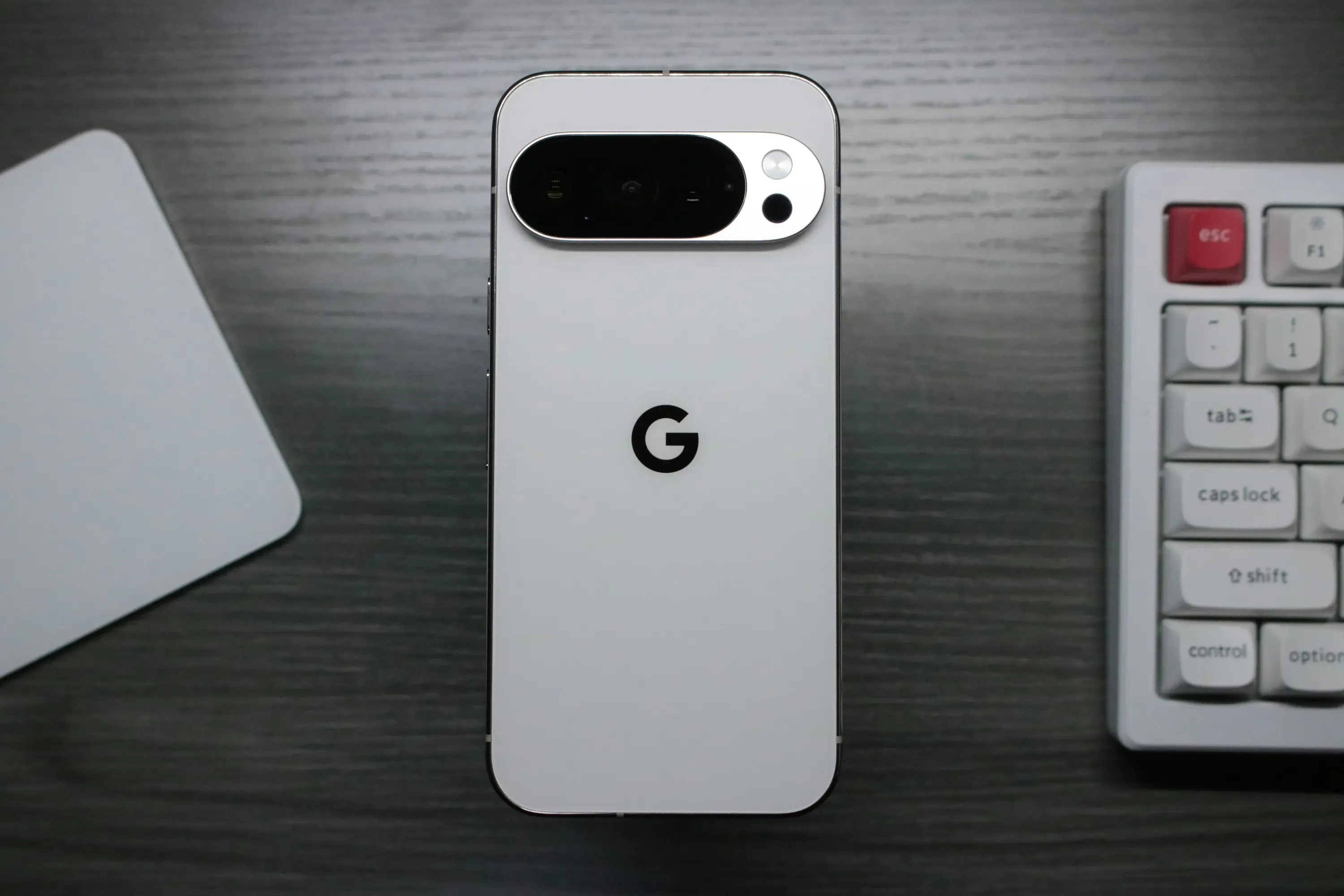
Comment activer une eSIM de voyage sur Google Pixel
- Achetez unForfait eSIM Nomad. Tu peux acheter à l'avanceet s'activer uniquement à l'arrivée
- Recevez votre code QR par e-mail
- Sur votre Pixel :Paramètres → Réseau et Internet → Cartes SIM → Ajouter une carte SIM (+)
- Sélectionner Téléchargez une carte SIM(ou configurer une eSIM)
- Scannez votre code QR Nomad. L'installation prend 2 à 5 minutes en Wi-Fi.
- Configurez la carte eSIM Nomad comme ligne de données préférée dans la section « Cartes SIM préférées ».
- Gardez votre carte SIM physique ou votre eSIM résidentielle active pour les appels et les SMS.
Conseil : Si votre code QR s’affiche sur le même écran Pixel que celui à partir duquel vous essayez de le scanner, prenez une capture d’écran et utilisez plutôt l’option de saisie manuelle : allez dans Besoin d’aide ? → Saisir le code manuellement et collez la chaîne d’activation.
Pour des captures d'écran et une solution complète :Guide étape par étape pour installer une eSIM sur Android.
Utilisation simultanée d'une eSIM et d'une carte SIM physique sur Pixel
Tous les Pixel compatibles eSIM permettent d'utiliser simultanément une carte SIM physique et une eSIM. Sur le Pixel 7 et les modèles ultérieurs, deux eSIM fonctionnent simultanément sans qu'aucune carte SIM physique ne soit nécessaire.
- La carte SIM ou l'eSIM résidentielle gère les appels et les SMS. Votre numéro reste inchangé.
- Nomad eSIM gère les données locales pendant vos déplacements.
- Installation d'une eSIM de voyagene change pas votre numéro de téléphone actuel.
Guide d'installation complet :Comment faire fonctionner simultanément une carte SIM physique et une eSIM ?.
Foire aux questions
Le Google Pixel 11 est-il compatible avec l'eSIM ?
Oui, la série Google Pixel 11 prend entièrement en charge la technologie eSIM.
Le Google Pixel 7 est-il compatible avec l'eSIM ?
Oui, les Pixel 7, 7 Pro et 7a sont tous compatibles eSIM. La gamme Pixel 7 a été la première à prendre en charge la double eSIM active, permettant l'utilisation simultanée de deux lignes sans carte SIM physique.
Le Google Pixel 8 est-il compatible avec l'eSIM ?
Oui, les Pixel 8, 8 Pro et 8a prennent tous en charge l'eSIM avec une capacité double eSIM active.
Le Google Pixel 9 est-il compatible avec l'eSIM ?
Oui, toute la série Pixel 9 (Pixel 9, 9 Pro, 9 Pro XL, 9 Pro Fold et 9a) prend en charge l'eSIM avec double eSIM active sur toutes les variantes.
Le Pixel 6 est-il compatible avec l'eSIM ?
Oui, les Pixel 6, 6 Pro et 6a sont compatibles eSIM. Ils prennent en charge une eSIM active en plus d'une carte SIM physique, mais pas deux eSIM actives (cette fonctionnalité est disponible depuis le Pixel 7).
Le Pixel 4a est-il compatible avec l'eSIM ?
Oui, les Pixel 4a et 4a 5G prennent tous deux en charge l'eSIM sans restriction géographique. Une eSIM active + une carte SIM physique.
Le Pixel 3 est-il compatible avec l'eSIM ?
Les Pixel 3 et 3 XL prennent partiellement en charge l'eSIM sur la plupart de leurs versions internationales, mais pas sur les appareils achetés en Australie, à Taïwan ou au Japon, ni chez la plupart des opérateurs américains et canadiens autres que Sprint et Google Fi. Si votre Pixel 3 a été acheté déverrouillé auprès de Google, il est compatible eSIM.
Le Pixel 2 peut-il utiliser une eSIM de voyage ?
Non, le Pixel 2 prend uniquement en charge l'eSIM avec Google Fi aux États-Unis. Il n'est pas compatible avec les fournisseurs d'eSIM de voyage tiers, comme Nomad.
Combien de profils eSIM un Pixel peut-il stocker ?
La plupart des modèles Pixel peuvent enregistrer plusieurs profils eSIM et passer de l'un à l'autre à la demande. Inutile de supprimer un forfait pour ajouter une nouvelle destination. Un seul profil eSIM (ou deux sur Pixel 7 et versions ultérieures) peut être actif simultanément.
Comment l'eSIM Pixel se compare-t-elle à l'eSIM Samsung ou iPhone ?
La norme eSIM sous-jacente est identique pour toutes les marques : l’activation, les codes QR et les fournisseurs d’eSIM de voyage comme Nomad fonctionnent de la même manière. Pixel se distingue par son adoption précoce et l’expérience double eSIM active la plus fluide sur Android. Consultez le guide de compatibilité eSIM de Samsung pour une comparaison directe avec les modèles Galaxy.
Vérifiez votre Pixel et connectez-vous
Vérifiez que votre appareil est compatible eSIM et consultez les forfaits eSIM de Nomad pour plus de 200 destinations.
Vous cherchez un Pixel abordable ? Les Pixel 7a et 8a font partie des…Téléphones les moins chers avec prise en charge eSIM complète.
Essai gratuit de l'eSIM Nomad
Essayez Nomad eSIM sans risque grâce à notre essai gratuit : sans contrat ni engagement. Configurez-la en quelques minutes, profitez d’une connectivité sécurisée et gérez tout facilement via l’application Nomad eSIM.