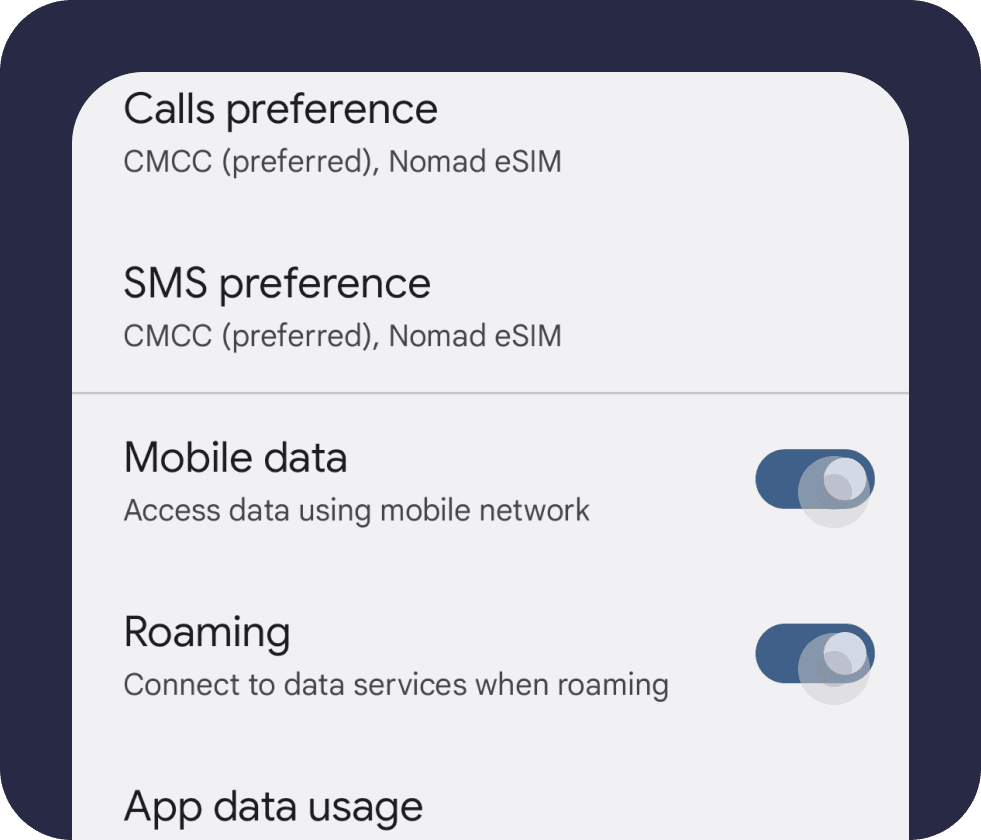
Here are the steps
iOS
If you want to find the Nomad eSIM in your phone!
Go to settings, and tap "Cellular" or "Mobile Service"
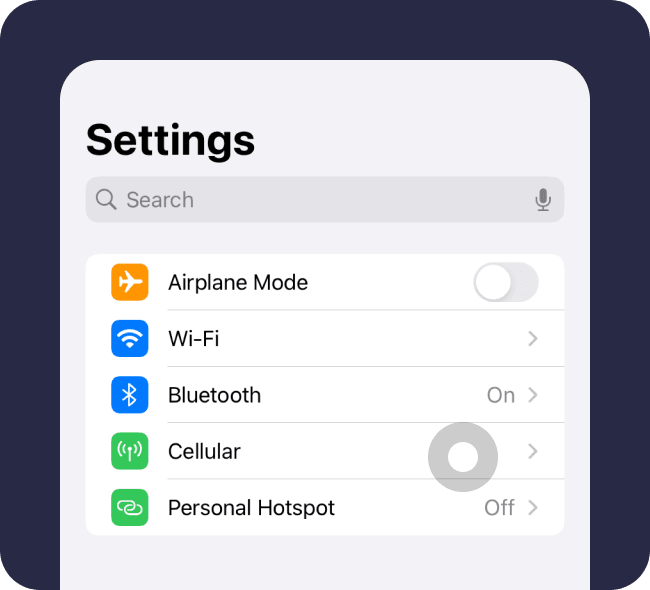
If your Nomad eSIM is installed, you will see it listed below your Primary SIM. The Nomad eSIM will be assigned a label by default, usually "Secondary", "Travel", "Personal", or "Business". The Nomad eSIM is usually the last one in the list and will not display a phone number.
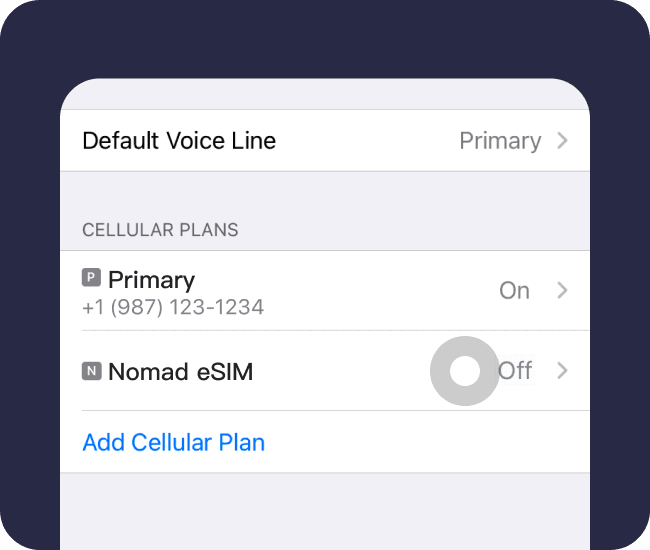
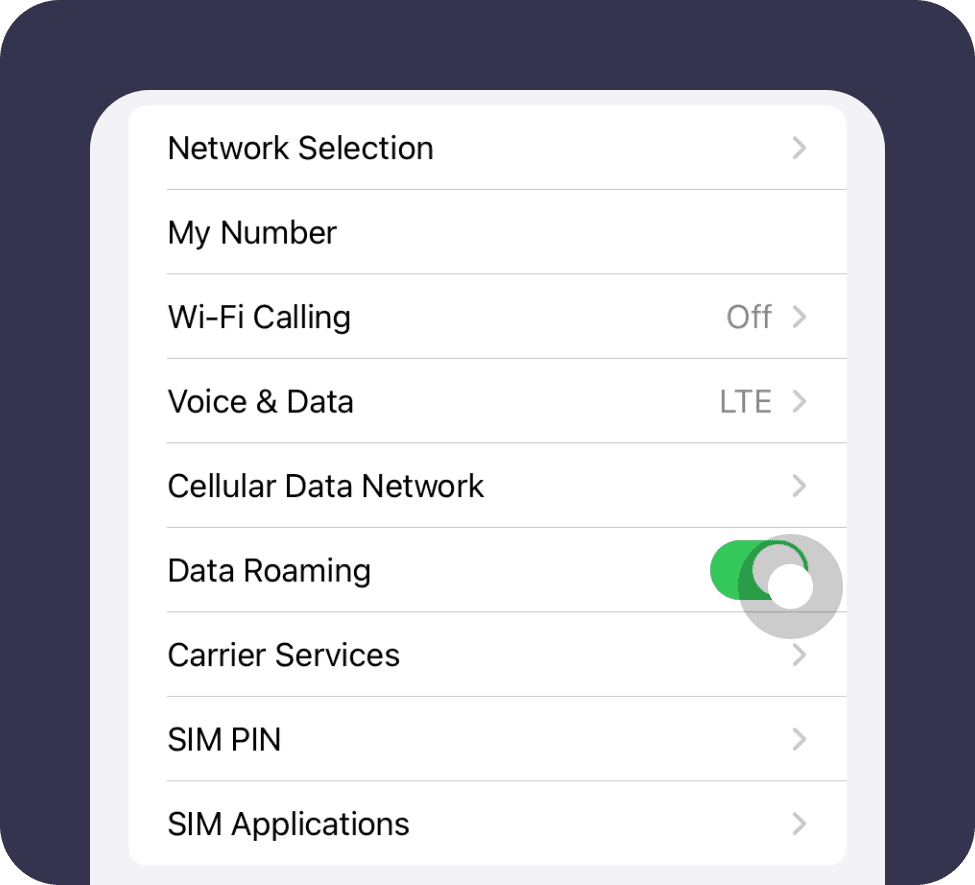
Make sure that you have already turn on data roaming
Samsung
If you want to find the Nomad eSIM in your phone
Go to Settings/Connections/SIM manager
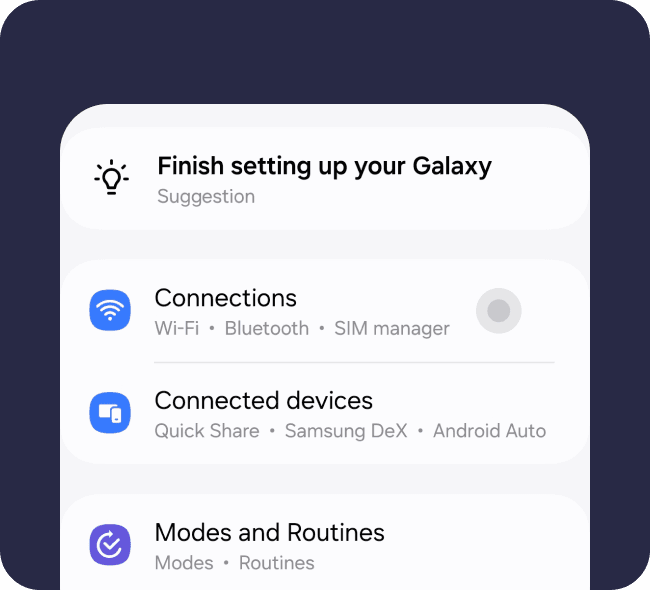
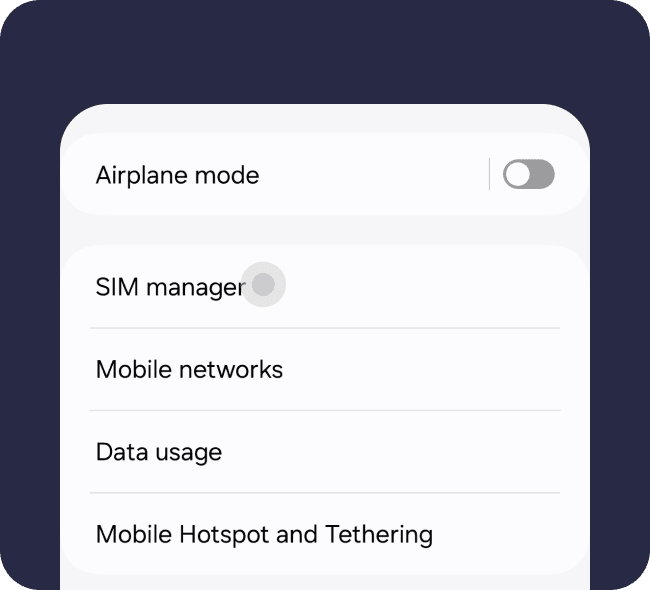
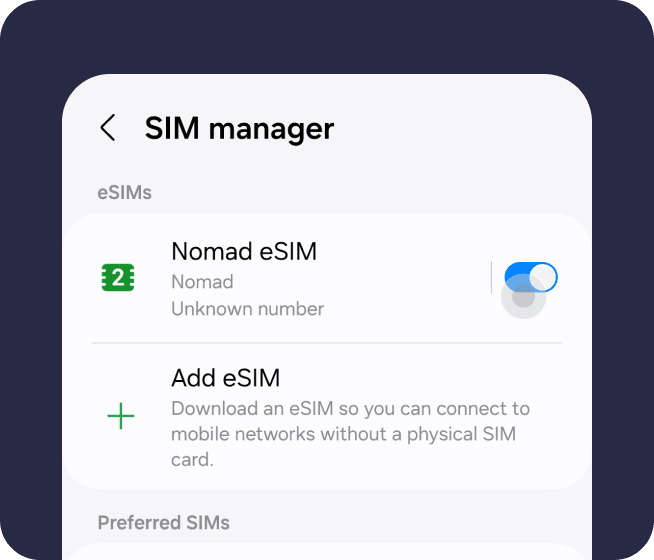
Make sure that you have already turn on data roaming
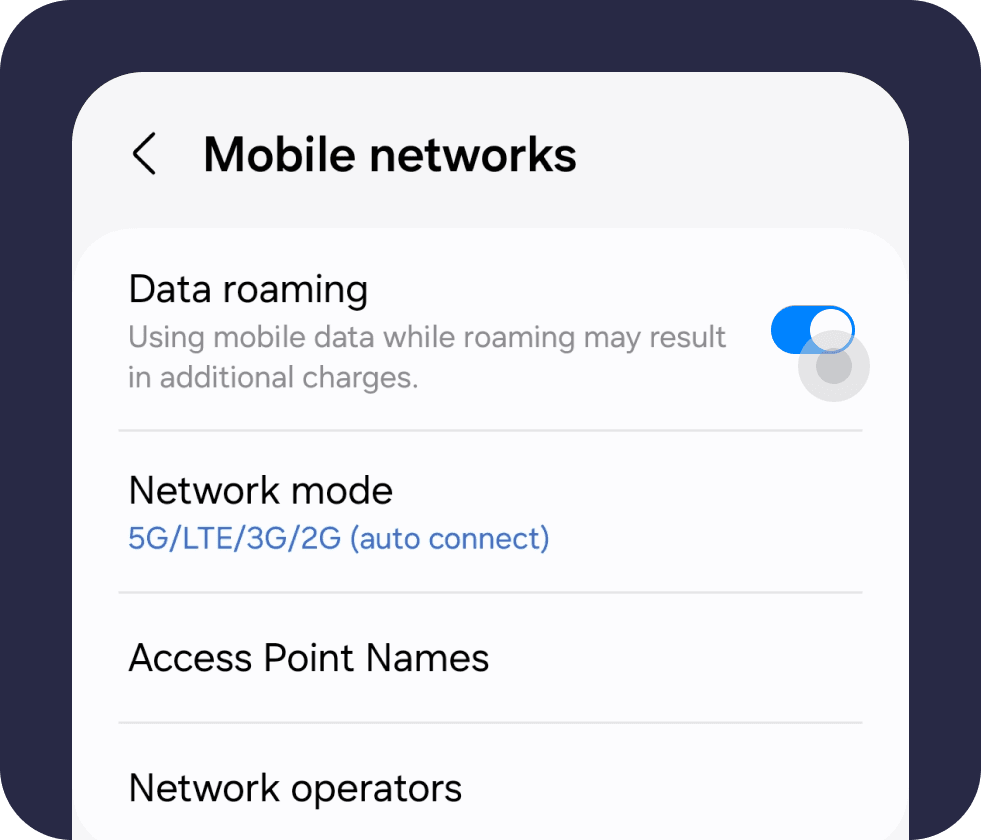
Pixel and Other Android devices
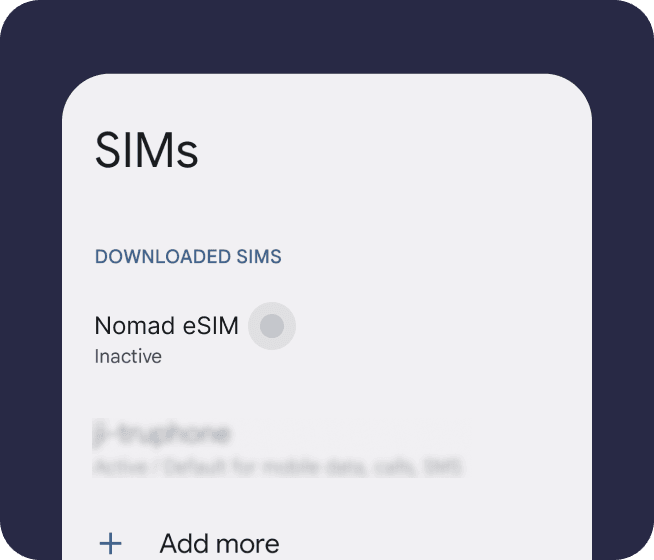
If you want to find the Nomad eSIM on your device
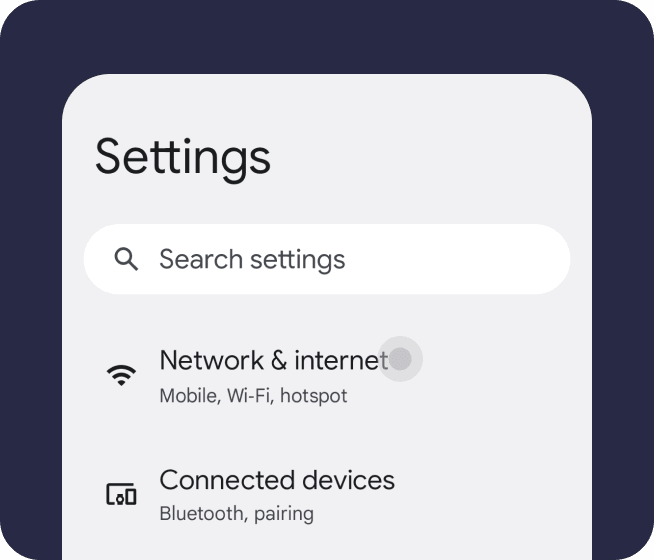
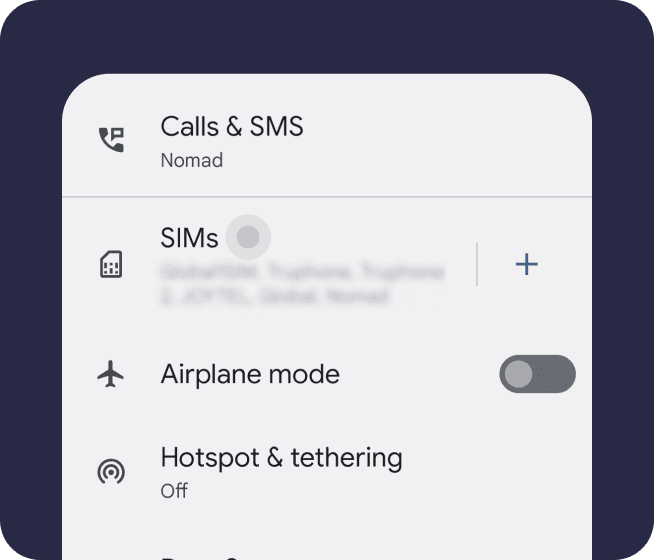
Go to Settings/Network & internet and click SIMs
Make sure that you have already turn on data roaming